
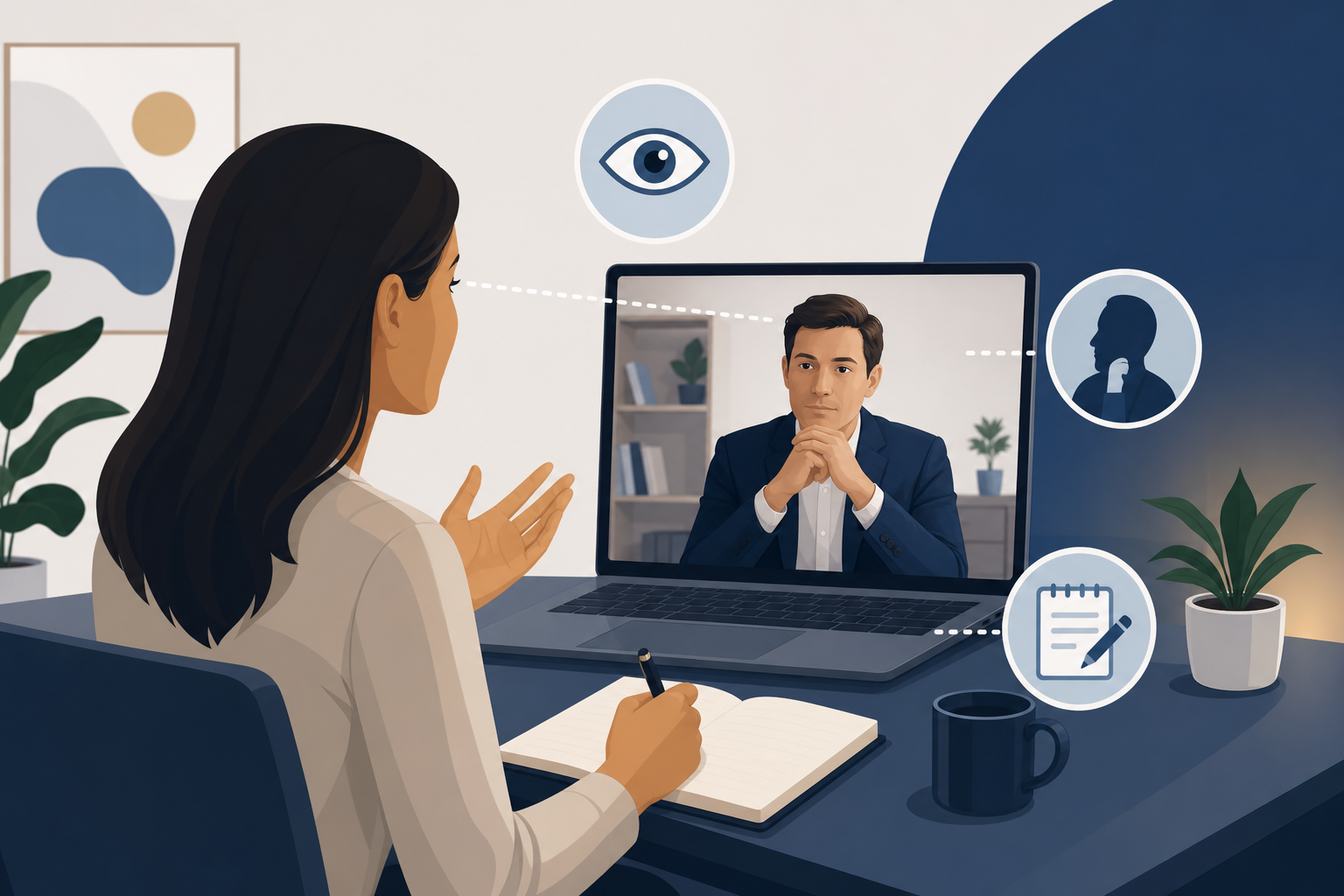
Introduction: Zoom behavioral interviews require different mechanics
Behavioral interviews on Zoom can feel harder than in-person interviews, even when you are well prepared. You might be telling a strong STAR story, but you are also thinking about eye contact, whether your notes are visible, and what it means when the interviewer stays muted, expressionless, and busy typing.
In a Zoom behavioral interview, small video-specific mechanics change how you come across. Where you look while telling a story affects trust. How you position a one-page story index determines whether you sound polished or like you are reading. And learning to read a silent interviewer helps you pace, clarify, and land your impact.
This guide gives you actionable setups and habits you can use today. You will learn where to look, how to use notes on screen without visibly reading, and how to interpret the muted, note-taking interviewer who gives nothing back.
Zoom behavioral interview eye contact: where to look while telling a story
Eye contact on video is not about staring at the camera nonstop. It is about creating the feeling that you are present, confident, and speaking directly to the interviewer.
The rule of thumb: camera for conclusions, screen for listening
Use this simple pattern:
- When you listen, look at the interviewer’s face on your screen. This helps you pick up cues and react naturally.
- When you deliver key points, look into the camera. This creates the strongest “eye contact” effect.
A practical cadence that works well for STAR answers:
- Situation and Task: glance at the interviewer on screen, then look to the camera for your final sentence of each.
- Action: alternate. Look at the camera when you state decisive actions, look briefly to the screen when you transition.
- Result: look at the camera for the entire results section if possible.
This approach keeps you from appearing robotic while still giving the interviewer moments of direct connection.
Set up your camera so eye contact is easy
Most eye contact problems are physical setup problems.
- Raise your laptop or webcam to eye level. Use books or a stand.
- Move the Zoom window close to the camera. Put the interviewer’s video right under your webcam so your gaze shift is minimal.
- Use a single focal point. If you have multiple monitors, keep Zoom and your notes on the same screen. Looking sideways repeatedly reads like distraction.
If you must use two monitors, put the interviewer on the monitor with the camera. Put notes on the same monitor, directly beneath the camera.
Practice “camera punctuation” to sound confident
You do not need constant camera gaze. You need intentional camera gaze.
Use the camera for:
- Your opening line: “One example is when I led a cross-team fix for a customer escalation.”
- Your action verbs: “I aligned stakeholders,” “I simplified the scope,” “I set a daily check-in.”
- Your result and reflection: “We reduced backlog and improved response time. If I did it again, I would…”
This technique makes you feel more present and reduces the temptation to look at your notes mid-sentence.
Notes on screen without visibly reading: build a one-page story index
Having notes is not cheating. In a Zoom behavioral interview, it is smart preparation. The risk is sounding like you are reading, or visibly scanning lines.
The fix is to use a one-page story index. It is not a script. It is a set of prompts that help you recall your best examples quickly.
What a one-page story index looks like
Keep it to one page. Use large font. Use keywords only.
Include:
- 6 to 10 stories that cover common behavioral themes
- For each story:
- Title: “Customer escalation triage”
- Competencies: “Ownership, stakeholder management”
- STAR bullets: 1 line each for S, T, A, R
- Metrics or proof points: “Resolved in 48 hours,” “unblocked launch”
- Reflection: “What I learned”
Here is a template you can copy into a doc:
This format keeps you from reading sentences. You are just glancing at cues.
Where to put notes so you do not look like you are reading
Placement matters more than you think.
Best options:
- Directly below the camera, in a narrow column. Your eyes move slightly down, not sideways.
- Printed one-pager taped behind your laptop, near the webcam. This can reduce screen scanning.
Avoid:
- Notes on a second monitor to the side.
- A full document with paragraphs.
- A phone on your desk that pulls your gaze downward sharply.
How to glance at notes without breaking presence
Use a repeatable micro-routine:
- Pause and breathe after the question.
- Repeat the question in your own words. This buys time and shows understanding.
- Glance for 1 second at your story index.
- Look back to camera and start.
Example opener:
- “Yes. You are asking about a time I handled conflicting priorities. I can share an example from a product launch where I had to reset scope with stakeholders.”
Notice how the question restatement becomes your transition. It makes the glance feel natural.
Use signposting so you never need to search mid-story
The biggest “reading” tell is when you lose your place. Prevent that by signposting your STAR structure out loud.
Try:
- “I will break this into situation, action, and result.”
- “The key actions I took were three things.”
- “The outcome was. And what I learned was.”
Signposting keeps you in control, and it reassures the interviewer you will land the plane.
Where to look while telling a STAR story on Zoom
Zoom creates a strange split between the interviewer’s face and the camera lens. Here is a practical map for your gaze during a STAR answer.
Situation and Task: screen-first, then camera
These sections are short and factual. You can look at the interviewer on screen to stay conversational, then end each part with a camera glance.
- “The situation was…” (screen)
- “My task was…” (camera on the final phrase)
Action: camera on decisions, screen on transitions
Action is where you can ramble. Use the camera to emphasize your judgment.
- Camera: “I decided to narrow scope and align on a single success metric.”
- Screen: “Then I pulled in support and product ops to confirm constraints.”
Result: camera, slower pace, clear numbers
Results land better when you slow down and look into the camera.
- “We shipped on time. We reduced rework by standardizing intake. The customer renewed.”
If you have numbers, state them once, clearly, and move on. Do not bury the result in extra context.
Reading a silent interviewer on Zoom: what their behavior usually means
Some interviewers are warm and reactive. Others are neutral, muted, and typing constantly. On Zoom, this can feel like talking into the void.
A silent interviewer is not automatically a bad sign. Many interviewers are trained to:
- Keep a neutral expression to reduce bias
- Take detailed notes for hiring committee write-ups
- Stay muted to avoid background noise
Your job is to stay steady, check for understanding, and adjust your pacing.
Common “silent interviewer” behaviors and how to respond
#### They are typing nonstop
What it often means:
- They are capturing your answer verbatim
- They are tagging competencies or scoring a rubric
How to respond:
- Keep your pace moderate. Do not speed up to fill silence.
- Use short sentences for results and key actions.
- Add a quick checkpoint after your result: “Would you like more detail on any part?”
#### They give no facial feedback
What it often means:
- Neutral interviewing style
- Camera lag or small video tile
How to respond:
- Do not chase validation mid-answer.
- Use your structure as your anchor. Situation, task, action, result, lesson.
- Ask one clarifying question before you start if the prompt is broad: “Do you want an example from a cross-functional project or a customer-facing situation?”
#### They stay muted longer than expected
What it often means:
- They are managing noise
- They are letting you finish without interruptions
How to respond:
- End with a clear stop line: “That is the overview. Happy to go deeper.”
- Then stop talking. Let silence happen. In Zoom, silence feels longer than it is.
#### They interrupt with a sharp follow-up
What it often means:
- They are probing for depth, scope, or your specific contribution
- They want to verify impact or decision-making
How to respond:
- Answer directly first, then add context.
- Use “I” statements. Be precise about what you owned.
Example:
- “I owned the stakeholder alignment and the rollout plan. My manager approved the final timeline, but I proposed the options and tradeoffs.”
Techniques to stay confident when you get nothing back
Use “micro-checks” without sounding insecure
You do not want to ask “Is that okay?” repeatedly. Instead, use professional checkpoints.
Good options:
- “Should I focus more on the actions I took, or the outcome?”
- “Do you want the short version, or a bit more detail?”
- “I can share the results now, then the lesson learned.”
These give the interviewer control and show communication maturity.
Build a 2-minute version and a 4-minute version of each story
Silent interviewers often want concise answers. But some companies reward depth.
Prepare two cuts:
- 2-minute cut: one sentence each for S and T, three actions, one result, one lesson.
- 4-minute cut: add constraints, tradeoffs, and how you influenced others.
When you finish the 2-minute cut, offer the expansion:
- “I can pause there, or I can walk through the tradeoffs if helpful.”
Watch for the only cues you can trust: questions and time
On Zoom, facial cues can be unreliable. The best signals are:
- The specificity of their follow-ups
- Whether they ask for numbers, stakeholders, or your role
- Whether they move you along quickly
If they move you along, you are not failing. You are likely in a structured interview where time is tight.
Practical Zoom setup checklist for communication and presence
Your screen layout in 60 seconds
- Zoom window at the top center, close to the camera
- Notes in a narrow strip directly below the camera
- Disable notifications and close extra tabs
- Hide self-view if it distracts you
Your environment
- Light in front of you, not behind you
- Camera at eye level
- Neutral background
- Headphones if audio is inconsistent
Your delivery habits
- Speak slightly slower than you think you need to
- Pause before answering. It reads as thoughtful, not slow
- Smile lightly at the start and end of answers to add warmth
STAR examples tailored for Zoom delivery
Below are two STAR examples written in a way that works well on video. They are structured, easy to follow, and include natural “camera punctuation” moments.
Example 1: Handling conflict with a neutral interviewer
Question: “Tell me about a time you disagreed with a teammate.”
Situation: A teammate and I disagreed on the rollout approach for a feature that impacted customer support volume.
Task: I needed to protect the launch timeline while making sure support was not overwhelmed.
Action: First, I asked my teammate to define success and risks in writing so we were debating the same criteria. Second, I pulled support data on similar launches and summarized the expected ticket drivers. Third, I proposed a phased rollout with a clear rollback plan, then aligned product and support leads in a short decision meeting.
Result: We shipped on time with a phased release. Support reported fewer repeat issues because we published a troubleshooting guide before the rollout. The relationship improved because the disagreement became about evidence and tradeoffs, not opinions.
Lesson: I learned to reduce conflict by making criteria explicit early. It prevents circular debate and speeds up decisions.
Zoom delivery tip: look into the camera for the three “First, Second, Third” action lines and for the first sentence of the result.
Example 2: Ownership with a note-taking interviewer
Question: “Tell me about a time you took ownership of a problem.”
Situation: A critical customer reported a recurring workflow failure during peak usage.
Task: I owned coordinating a response across engineering, support, and the account team, and I had to restore trust quickly.
Action: I set up a single incident channel and assigned owners for triage, customer comms, and root cause analysis. I established a two-hour update cadence with a shared doc so everyone saw the same facts. I also pushed for a temporary workaround that reduced impact while engineering built the long-term fix.
Result: The customer had a workaround the same day and a permanent fix in the next release cycle. The account team later used our incident summary as a template for future escalations.
Lesson: Ownership is mostly communication. When you create clarity on roles, cadence, and facts, the technical work moves faster.
Zoom delivery tip: after “Result,” stop and let silence happen. Then offer: “Happy to share what I would do differently next time.”
Use company-specific insights to prepare for Zoom behavioral formats
Different companies run behavioral interviews differently. Some are conversational. Others are rubric-based and quieter. If you want extra context on what to expect, you can browse free interview reports by company here: https://primly.io/community. Use that intel to decide how tight your answers should be and how much probing is typical.
Conclusion: be structured, be present, and control what you can
Zoom behavioral interviews reward candidates who combine strong stories with strong video presence. When you manage eye contact intentionally, use a one-page story index instead of a script, and stay steady with a silent, note-taking interviewer, you come across as confident and clear.
Before your next interview:
- Set your Zoom window near the camera and raise your webcam to eye level.
- Build a one-page story index with keywords, not paragraphs.
- Practice camera punctuation on your action verbs and results.
- Prepare a 2-minute and 4-minute cut of each STAR story.
- Use micro-checks and a clear stop line to handle silence.
You cannot control the interviewer’s expression or how much they type. You can control your structure, your clarity, and the feeling that you are speaking directly to them. That is what gets remembered.