
Introduction: ATS formatting rules that actually matter
ATS formatting rules can feel like a moving target, especially when you are tailoring applications quickly. The truth is simpler. Most applicant tracking systems do not “reject” you for harmless design choices, but they can misread your content if you use the wrong structure. That misread can cost you interviews because your skills, titles, and achievements do not land in the right fields.
This guide breaks down the ATS formatting rules that actually matter and the ATS myths that do not. You will get tactical examples, a quick self-audit checklist, and a way to align your resume with the behavioral interview stories you will be asked to tell.
Your goal is not to “beat the ATS.” Your goal is to make your resume easy to parse and easy for a recruiter to skim in 15 seconds.
How ATS parsing really works (in plain English)
Most modern ATS platforms do two main things:
- Parse your resume into structured fields like name, contact info, job titles, employers, dates, and skills.
- Search and rank based on keywords, recency, and sometimes context. This is often done by recruiters using filters, not by an automatic “rejection robot.”
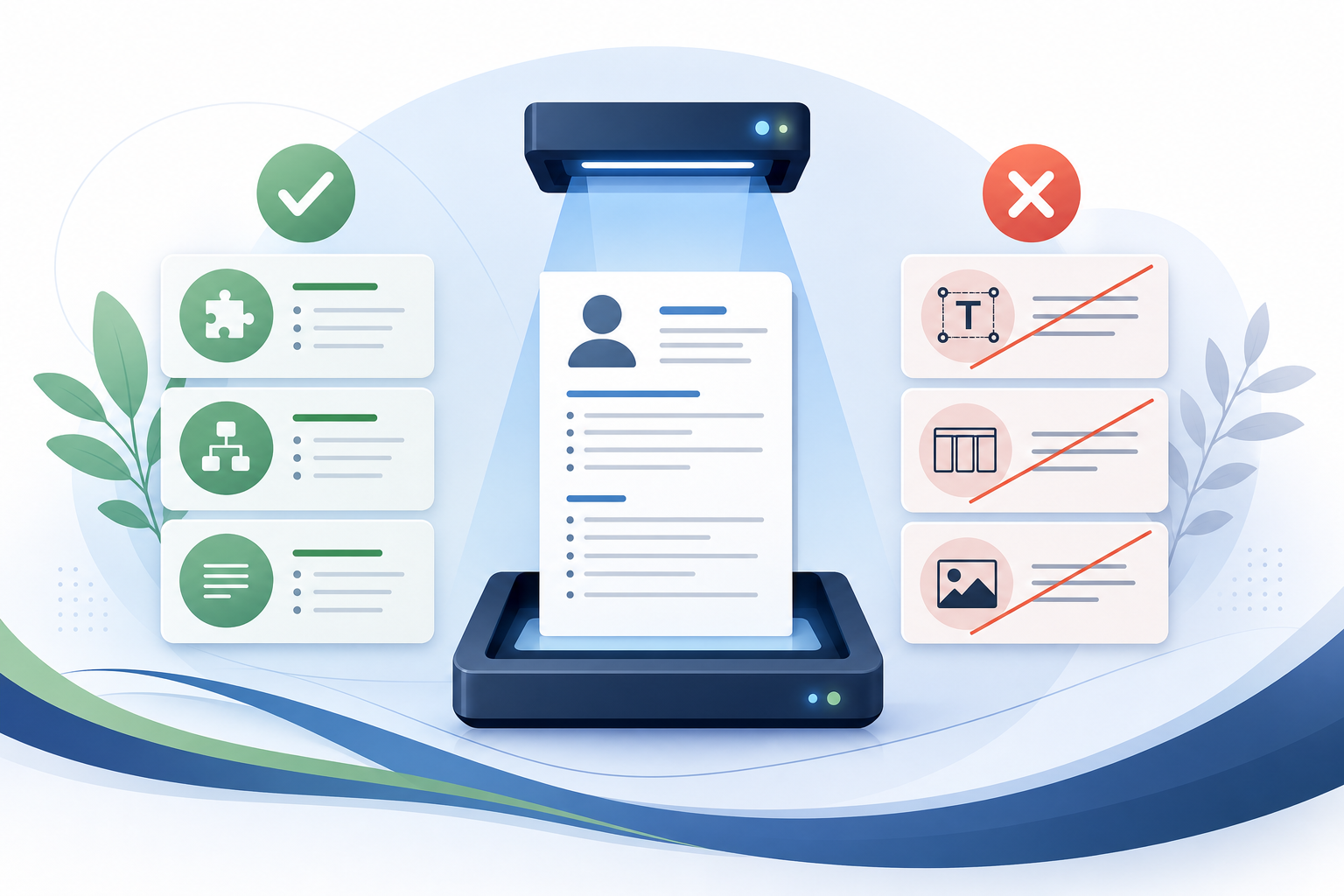
Formatting matters when it interferes with parsing. If your resume text is trapped in a table cell, layered in a text box, or presented as an image, the ATS may:
- Drop content entirely.
- Mislabel dates and titles.
- Merge words or reorder sections.
That is why the best ATS formatting is boring on purpose. It is also why you can still have a clean, modern resume without fancy layout tricks.
ATS formatting rules that actually matter
1. Use a simple, single column layout
A single column layout is the safest choice across ATS tools and resume converters.
Do:
- One main vertical flow from top to bottom.
- Standard section headings.
- Left aligned text.
Avoid:
- Two column designs with skills on the left and experience on the right.
- Sidebars.
Why it matters: Multi-column layouts can cause the ATS to read across the page in the wrong order. Your skills can get mixed into job descriptions, or your employer name can drift away from your title.
Quick test: Copy your resume into a plain text editor. If it reads in a logical order, you are usually fine.
2. Use standard section headings the ATS recognizes
Use headings that match what systems and recruiters expect.
Good headings:
- Summary or Professional Summary
- Skills
- Experience or Work Experience
- Education
- Certifications
- Projects (if relevant)
Headings to avoid if you want maximum compatibility:
- “My Journey”
- “Where I Have Been”
- “What I Bring to the Table”
Why it matters: Some ATS parsers map content to fields based on heading labels. Creative headings can reduce accuracy.
3. Put contact info in the body text, not in headers or graphics
Place your contact details at the top of the first page in plain text.
Use a clean line like:
John Patel | Austin, TX | (512) 555-0199 | john@email.com | linkedin.com/in/johnpatel
Avoid:
- Putting contact info inside the document header or footer.
- Using icons as the only indicator for phone, email, LinkedIn.
Why it matters: Some ATS tools do not reliably parse headers and footers. Icons can be read as random characters or skipped.
4. Use consistent, readable date formatting
Pick one format and stick to it.
Safe options:
- Jan 2023 to Mar 2025
- 01/2023 to 03/2025
- 2023-01 to 2025-03
Avoid:
- Only listing years when months matter for recency.
- Unusual formats like “Spring 2022.”
Why it matters: Recruiters often filter by date ranges, and ATS parsing errors can make your experience look shorter or out of order.
5. Use standard job title and employer formatting
Make it easy for both systems and humans to identify the three key fields: title, company, dates.
Example:
Customer Success Manager | BrightDesk Software | Feb 2022 to Present
Then bullets.
Avoid:
- Stacking everything into one line with unclear separators.
- Hiding the company name in a logo.
Why it matters: Title and company are often indexed fields in ATS search.
6. Write bullets that are easy to parse and easy to skim
Use simple bullet characters and consistent indentation.
- Keep most bullets to 1 to 2 lines.
- Start with a strong verb.
- Include numbers, scope, and outcomes.
Good bullet example:
- Reduced onboarding time from 21 days to 12 days by rebuilding the customer training flow and adding role based templates.
Why it matters: ATS can parse long paragraphs, but recruiters skim bullets. Clear bullets also help you prepare for behavioral interviews because each bullet can become a STAR story.
7. Use text, not images, for skills and tools
If you list skills in a graphic, a chart, or a “pill” design, the ATS may not read them.
Do:
- Skills: Salesforce, HubSpot, SQL, Tableau, QBRs, churn reduction
Avoid:
- Skill bars, star ratings, or icon grids.
Why it matters: Recruiters search for exact tools. If the tool name is not parsed as text, you will not show up.
8. Keep your file type ATS friendly
In most cases:
- .docx is the safest for parsing.
- PDF can be fine if it is text based and not a scanned or image heavy file.
If the application explicitly requests a format, follow it.
Avoid:
- Scanned PDFs.
- Image files.
Why it matters: A PDF that is actually an image is not readable to many parsers.
9. Use simple fonts and standard characters
Choose common fonts like Arial, Calibri, Times New Roman, or Helvetica. Use standard punctuation.
Avoid:
- Decorative fonts.
- Unusual symbols that can turn into gibberish when parsed.
Why it matters: Some ATS conversions replace uncommon characters with boxes or question marks.
10. Make keywords easy to match, without keyword stuffing
Formatting supports keyword matching when your terms are spelled clearly and placed in logical sections.
Practical keyword rules:
- Mirror the job description for hard skills, tools, and role specific terms.
- Use both the acronym and the full term once if relevant.
Example:
- “Customer relationship management (CRM): Salesforce”
Avoid:
- Repeating the same keyword 20 times.
- Listing skills you cannot defend in an interview.
Why it matters: Keyword stuffing can hurt you with recruiters, and it can backfire in behavioral interviews when you cannot provide examples.
ATS formatting myths that do not matter (most of the time)
Myth 1. “ATS rejects resumes with color”
Light use of color is usually fine if the resume remains text based and readable. The risk is not color itself. The risk is using color inside shapes, images, or text boxes.
If you use color:
- Keep it minimal.
- Ensure contrast is strong.
- Do not rely on color to convey meaning.
Myth 2. “You must use a one page resume to pass ATS”
ATS does not care about page count. Recruiters care about relevance.
Use length as a function of your experience:
- Early career: 1 page is often enough.
- Mid career: 1 to 2 pages is common.
- Senior roles: 2 pages is normal when content is high impact.
Myth 3. “ATS cannot read PDFs”
Many ATS platforms can read PDFs well. The issue is the type of PDF.
A good PDF:
- Generated from Word or Google Docs.
- Selectable text.
- No scanned pages.
A bad PDF:
- Scanned.
- Built from a design tool with text converted to outlines.
Myth 4. “ATS penalizes you for not using exact keywords”
Recruiters search with keywords, but they also use related terms. Many systems support stemming and synonyms, and humans interpret context.
Still, you should mirror critical terms for clarity. Just do it naturally.
Myth 5. “ATS hates columns, always”
Some ATS tools handle columns fine. The problem is inconsistency. Because you do not control which ATS the company uses, a single column format is the safest universal choice.
Myth 6. “You need to include your full address for ATS”
Most roles do not require a full street address. City and state are usually enough.
Use:
- City, State
Only add more detail if the employer requests it or if location is a legal requirement.
Tactical examples: before and after fixes
Example 1: Skills section that fails parsing
Before (risky):
- Skills presented as icons and progress bars.
- Tools listed in a two column table.
After (ATS safe):
Skills: Salesforce, HubSpot, Zendesk, Gainsight, Excel, SQL, churn analysis, onboarding, renewals, QBRs
Why this works: every tool is plain text and searchable.
Example 2: Experience entry with unclear fields
Before (risky):
- “BrightDesk Software, Austin” on one line.
- Title embedded in paragraph.
- Dates right aligned in a text box.
After (ATS safe):
Customer Success Manager | BrightDesk Software | Austin, TX | Feb 2022 to Present
- Managed a book of 65 mid market accounts totaling $1.8M ARR, improving net revenue retention from 102% to 112% through renewal playbooks and executive QBRs.
- Reduced churn from 9.4% to 6.1% by identifying early risk signals in product usage and launching a 3 step intervention workflow.
Why this works: title, company, location, and dates are explicit.
Example 3: Keyword alignment without stuffing
Job description calls for: “SQL, Tableau, stakeholder management, forecasting.”
Before:
- “Data analysis, reporting, communication.”
After:
- “Built SQL queries to automate weekly forecasting reports in Tableau, improving forecast accuracy from 78% to 90% and aligning stakeholders in Sales and Finance.”
Why this works: you include exact tools and show outcomes.
A fast ATS formatting checklist you can run in 10 minutes
Use this checklist before you submit any tailored application.
- Layout: Single column, no sidebar.
- Headings: Experience, Skills, Education are clearly labeled.
- Contact: Plain text, not in header.
- Dates: Consistent format, no missing months if recent.
- Titles and companies: Easy to find, consistent separators.
- Bullets: Simple bullets, no long paragraphs.
- Skills: Plain text list, includes job description tools.
- File type: .docx preferred unless PDF requested.
- Copy paste test: Paste into a text editor. Check order and missing parts.
- Reality check: Every listed skill has at least one example you can explain.
Connect your resume to behavioral interviews using STAR
A resume that parses well is only step one. Your bullet points should also set you up for behavioral interviews, because interviewers will ask you to expand on what you wrote.
A practical approach is to ensure your strongest bullets can be told as STAR stories.
Turn one bullet into a STAR story
Take this bullet:
- Reduced onboarding time from 21 days to 12 days by rebuilding the customer training flow and adding role based templates.
Now map it:
- Situation: New customers were taking 21 days to complete onboarding, causing delayed value realization.
- Task: You needed to shorten onboarding without increasing support load.
- Action: Audited drop off points, rewrote training modules, created role based templates, and added a milestone checklist.
- Result: Onboarding time dropped to 12 days, and week 4 activation improved by 18%.
Why this helps ATS and humans
- ATS benefits because the bullet contains clear keywords like onboarding, templates, activation.
- Recruiters benefit because the outcome is quantified.
- You benefit because you can confidently defend every line.
Common formatting edge cases job seekers run into
Using Google Docs templates
Google Docs can be fine, but some templates rely on tables. If you use one:
- Check whether the template uses a table for layout.
- Export to .docx and run the copy paste test.
Including a projects section
Projects are valuable for career changers, recent grads, and technical roles.
Formatting rule:
- Treat projects like mini experience entries with title, context, and outcomes.
Example:
Project: Sales Dashboard Redesign | Tableau, SQL | 2025
- Interviewed 8 stakeholders to define KPIs, then rebuilt dashboards that reduced weekly reporting time by 3 hours per rep.
Certifications and licenses
If a job requires a certification, make it easy to find.
- Put it in Certifications near the top third of the page.
- Use the exact name used in the posting.
Example:
- Project Management Professional (PMP), PMI, 2024
Conclusion: focus on parsing, clarity, and proof
The ATS formatting rules that actually matter are the ones that protect parsing accuracy and make your resume searchable. A single column layout, standard headings, plain text skills, consistent dates, and clean bullets will cover most situations. The myths are distracting because they push you toward performative changes that do not improve relevance.
As you tailor applications, remember that every keyword should be supported by an achievement, and every achievement should be something you can explain using STAR in a behavioral interview. If you want a quick gut check, Primly offers a free resume score, a 0-100 grade with top fixes in about 60 seconds, at primly.io/resume-score.